

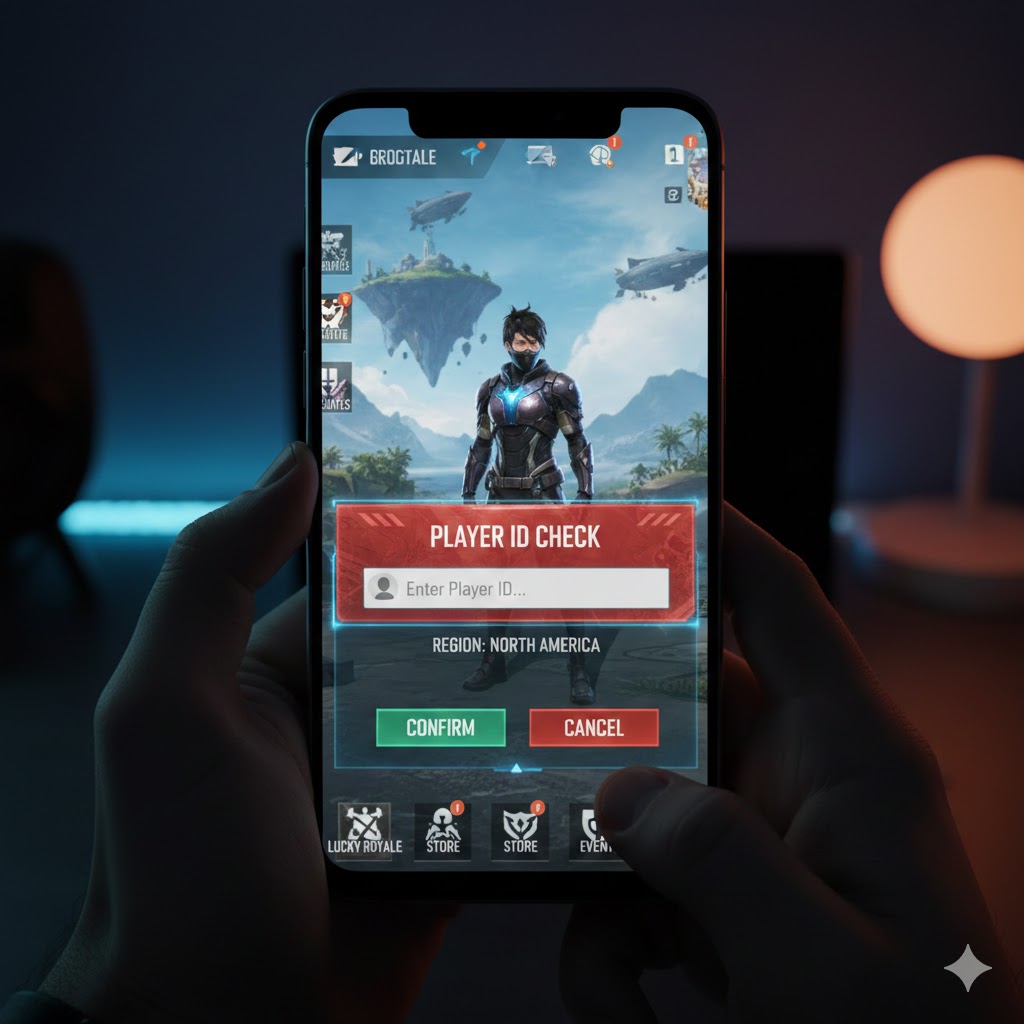
Free Fire is one of the most popular battle royale games in the world, especially in countries like India, Brazil, and Indonesia. With millions of active players, every Free Fire account is identified by a unique number known as a Free Fire ID. Whether you want to check your stats, send friend requests, recover your account, or use third-party tools, knowing how to perform a Free Fire ID check is essential.
In this detailed guide, we’ll explore what a Free Fire ID is, how to find it, how to use Free Fire ID check tools, and what you should know to stay safe while using them.
What Is a Free Fire ID?
A Free Fire ID is a unique numerical identification number assigned to every player account in Garena Free Fire. This ID helps the system identify your profile, track gameplay stats, and manage in-game interactions.
Unlike your in-game name (IGN), which can be changed, your Free Fire ID remains permanent and cannot be modified.
Example of a Free Fire ID:
1234567890
Each ID is unique and linked directly to your account progress, rank, skins, and achievements.
Why Is Free Fire ID Important?
Your Free Fire ID is useful for many reasons, including:
- Adding or accepting friends
- Checking player stats and rankings
- Reporting hackers or cheaters
- Recovering lost accounts
- Participating in giveaways and esports events
- Using ID-based Free Fire tools
Many Free Fire-related websites and tools require your ID to fetch profile details.
How to Check Your Free Fire ID (Step-by-Step)
Finding your Free Fire ID is very simple. Follow these steps:
- Open Free Fire on your device
- Tap on your profile icon (top-left corner of the screen)
- Your profile page will open
- Under your nickname, you’ll see a long numeric code
- That number is your Free Fire ID
You can tap the copy icon to copy it instantly.
How to Check Another Player’s Free Fire ID
If you want to find someone else’s Free Fire ID:
- Ask the player to share their ID directly
- Or search their in-game name in the friend search section
- Open their profile and copy the ID
Some third-party tools also allow ID lookup using the in-game name (IGN).
What Is a Free Fire ID Check Tool?
A Free Fire ID Check Tool is an online utility that allows users to check detailed information about a Free Fire account using the ID. These tools are popular among players who want to view stats without logging into the game.
Common Features of Free Fire ID Check Tools:
- Player nickname
- Account level
- Rank (BR & CS)
- Likes received
- Guild name
- Account creation date
- Last active status
These tools do not require login credentials and work only with the ID.
How to Use a Free Fire ID Check Tool
Here is a general step-by-step process:
- Open a Free Fire ID checking tool website
- Enter the Free Fire ID in the search box
- Click on Check, Search, or Submit
- Wait a few seconds
- Player details will appear on the screen
Most tools are free and do not require registration.
Is Free Fire ID Check Safe?
Yes, checking a Free Fire ID is safe as long as you use trusted tools and follow basic safety rules.
Safe Practices:
- Never enter your Free Fire login password
- Avoid tools that ask for OTP or email access
- Do not download unknown APKs
- Use only ID-based lookup tools
A genuine Free Fire ID checker only asks for the numeric ID and nothing else.
Can You Hack or Modify Accounts Using ID Tools?
No. Legitimate Free Fire ID check tools cannot hack or modify accounts. They only display public information.
Websites claiming to:
- Add diamonds
- Unlock elite pass
- Hack accounts
- Change ranks
are fake and risky. Using such tools can lead to permanent account bans.
Benefits of Using a Free Fire ID Check Tool
Here are some advantages:
1. Easy Profile Lookup
Check player details instantly without sending friend requests.
2. Useful for Content Creators
YouTubers and streamers often analyze profiles using ID check tools.
3. Helpful for Clan Leaders
Clan admins can verify player activity and stats before recruitment.
4. Account Recovery Support
Knowing your ID helps when contacting Garena support.
Free Fire ID Check Tool – Common Use Cases
- Checking pro player stats
- Verifying suspicious accounts
- Tracking rank progress
- Reviewing gameplay history
- Confirming friend identities
Frequently Asked Questions (FAQs)
1. Can I change my Free Fire ID?
No, Free Fire IDs are permanent and cannot be changed.
2. Is Free Fire ID the same as username?
No. The ID is a numeric code, while the username (IGN) can be changed.
3. Can someone hack my account using my ID?
No. The ID alone cannot be used to hack an account.
4. Is Free Fire ID check legal?
Yes, checking public player data is completely legal.
5. Can I find my lost account using ID?
Yes, your Free Fire ID is helpful when contacting Garena support for account recovery.
Tips to Protect Your Free Fire Account
- Never share your login credentials
- Enable two-factor security if available
- Avoid suspicious websites promising free diamonds
- Use only official Garena platforms
Final Thoughts
A Free Fire ID check is a simple yet powerful way to explore player information, analyze stats, and manage your gaming identity. Whether you’re a casual gamer, a competitive player, or a content creator, understanding how Free Fire IDs work can enhance your experience.
Always use trusted tools, stay cautious of fake generators, and protect your account credentials. With the right knowledge, Free Fire becomes not just a game—but a smarter gaming experience.