

In the early days of the internet, your email address was almost always tied to the company that provided your dial-up or cable connection. AOL, EarthLink, and MSN were the titans of communication. While many of those services have faded into obscurity, one ISP-based email remains a juggernaut in the United States: Comcast.net.
Today, millions of users still rely on their @comcast.net addresses for banking, social media, and personal correspondence. However, the service has undergone significant changes, particularly regarding branding, accessibility, and security.
This article provides a comprehensive guide to Comcast email, exploring its transition to Xfinity, how to configure it for modern devices, and the pros and cons of sticking with an ISP-based email provider in 2025.
The Great Rebranding: Comcast vs. Xfinity
The most common source of confusion for users is the relationship between “Comcast” and “Xfinity.”
-
Comcast is the parent company.
-
Xfinity is the brand name for their consumer services (TV, Internet, Mobile).
Around 2010, Comcast began rebranding its consumer-facing products to Xfinity to shed some of the negative customer service reputation associated with the corporate name. While the website changed from Comcast.net to Xfinity.com, the email domain did not change.
If you sign up for Xfinity Internet today, you are still issued a @comcast.net email address. There is no such thing as an “@xfinity.com” email address for consumers. This legacy domain anchors the service to its past, even as the interface has modernized.
Features of Xfinity Connect
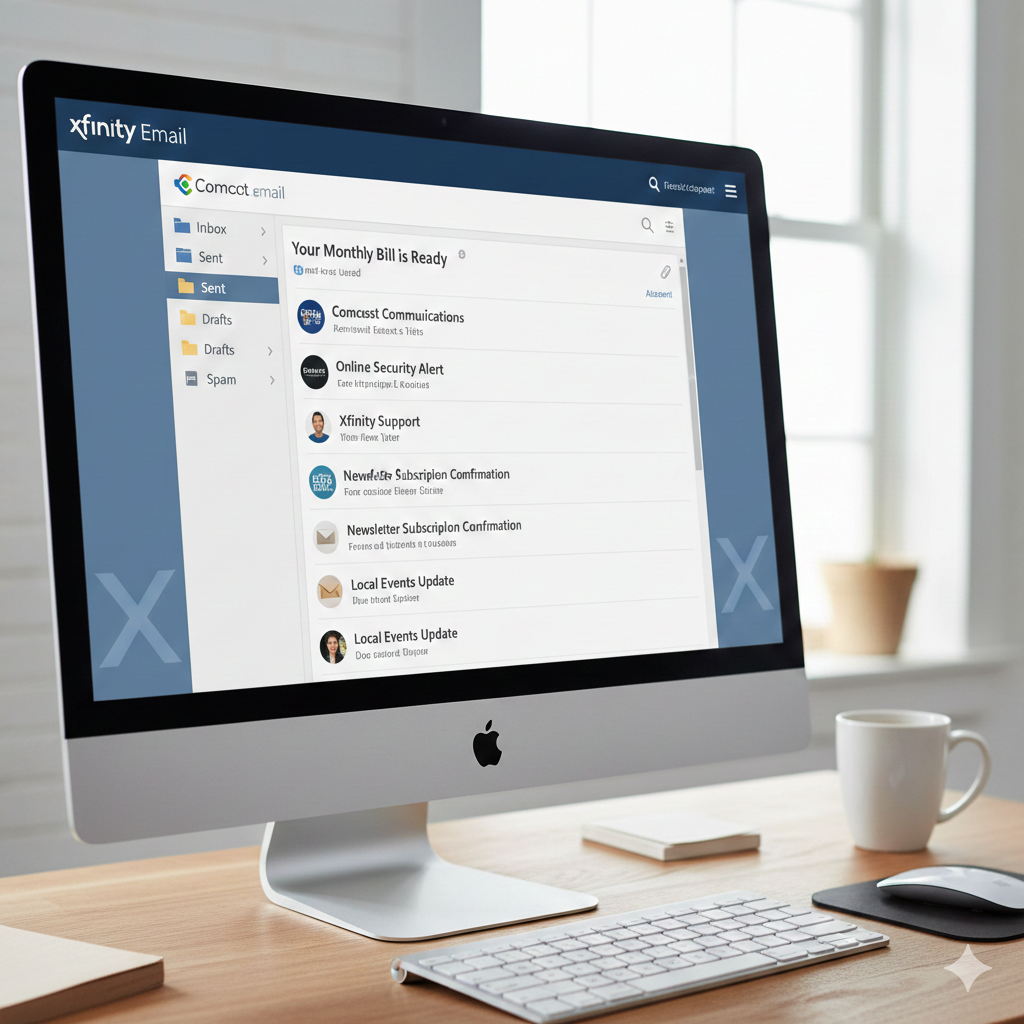
The web-based portal for accessing Comcast.net Email is known as Xfinity Connect. It has evolved from a basic inbox into a central communication hub.
-
Storage Capacity: Xfinity offers a generous 10GB of email storage. While this pales in comparison to the “unlimited” feel of paid enterprise accounts, it is more than sufficient for the average user who isn’t sending massive video files daily.
-
Integrated Dashboard: Xfinity Connect integrates your email with your Xfinity Voice (landline) service. You can listen to voicemail, read voicemail transcriptions, and manage your address book all from the same tab.
-
Security Center: In recent years, Xfinity has aggressively pushed Two-Factor Authentication (2FA). This is a critical feature, as ISP emails are frequent targets for hackers looking to access linked bank accounts.
-
Advanced Spam Filters: Comcast utilizes robust spam filtering technologies. Users have the ability to mark emails as “Spam” or “Not Spam,” training the algorithm to better suit their personal needs.
How to Access Comcast.net Email
There are two primary ways to access your account: the Web Portal and Third-Party Clients.
1. The Web Portal
This is the most direct method. Users simply navigate to xfinity.com, click the envelope icon in the top right corner, and log in with their Xfinity ID. The web interface is clean, albeit slightly ad-heavy compared to premium ad-free email services.
2. Third-Party Clients (Outlook, Apple Mail, Gmail App)
Most users prefer to check their email on their phones or through desktop software like Outlook. To do this, you must configure the IMAP settings.
If the “auto-detect” feature on your phone fails, here are the manual settings you need:
-
Incoming Mail Server Name: imap.comcast.net
-
Incoming Port: 993 (with SSL encryption ON)
-
Outgoing Mail Server Name: smtp.comcast.net
-
Outgoing Port: 587 (with TLS encryption) or 465 (with SSL)
Crucial Note: You must check the box in your Xfinity security settings to “Allow Access to Third-Party Programs” before these apps will work. This is a security toggle often missed by frustrated users.
The “ISP Trap”: What Happens if You Move?
The single biggest downside of an ISP-based email (like Comcast, AT&T, or Spectrum) is the lack of portability. If you use Gmail or Outlook.com, you can move from New York to London, switch internet providers five times, and your email address remains the same.
With Comcast, the email is tied to the service. So, what happens if you cancel your internet or move to an area where Xfinity isn’t available?
The “Comcast Email for Life” Policy:
Historically, canceling your internet meant losing your email immediately. However, Comcast changed this policy. Now, if you cancel your service, you can keep your @comcast.net email address for free, provided you have logged into the account within the 90 days prior to disconnecting.
However, there is a catch: The Inactivity Rule.
If you cease to be a paying customer, you must log in to the web portal at least once every nine months to keep the account active. If you fail to do so, Comcast reserves the right to delete the account and its contents permanently. This makes relying on a Comcast address risky for long-term archiving if you are no longer a subscriber.
Common Issues and Troubleshooting
despite being a robust service, users frequently encounter specific hurdles:
1. The Login Loop
Users often report being stuck in a loop where the Xfinity website keeps refreshing the login page. This is usually caused by corrupted browser cookies.
-
The Fix: Clear your browser’s cache and cookies, or try opening the site in “Incognito/Private” mode.
2. Emails Not Arriving (The Spam Filter Overkill)
Sometimes, legitimate emails (bills, password resets) are blocked by Comcast’s server-side filters before they even reach your spam folder.
-
The Fix: You may need to add the sender’s address to your “Safe Senders List” within the Xfinity Connect settings.
3. Password Reset Difficulties
Because the email is tied to the master Xfinity account (which controls billing), resetting a password can be cumbersome. It often requires verification via a mobile phone number or a secondary email address on file. If you haven’t updated your recovery options in a decade, you might get locked out.
Is Comcast Email Still Worth Using?
In the age of Gmail, iCloud, and Outlook, does it make sense to start using a Comcast email today?
The Pros:
-
Integration: If you are deep in the Xfinity ecosystem, having one login for your bill, your stream, and your email is convenient.
-
Support: Unlike Google, which has virtually no customer support for free users, Xfinity has real customer service agents (though wait times vary) who can help with account lockouts.
The Cons:
-
The “Golden Handcuffs”: It makes leaving Xfinity harder. The hassle of changing your email address on every bank, utility, and subscription account keeps many people paying for Xfinity internet even when cheaper options appear.
-
Interface: The web interface feels dated and is cluttered with news headlines and ads, whereas competitors offer cleaner experiences.
-
Privacy: As an ISP, Comcast is subject to different data privacy regulations than standalone email providers.
Conclusion
Comcast.net email is a survivor. It is a legacy product that has adapted to the modern web, offering decent security and storage. For the millions of users who have had their address since the early 2000s, it remains a vital digital identity.
However, for new users, the advice is generally to avoid using ISP-provided email as your primary address. The flexibility of a platform-agnostic provider (like Gmail or ProtonMail) offers freedom from the “golden handcuffs” of your internet service provider. But for those already woven into the fabric of the Xfinity network, the service remains a reliable, if occasionally clunky, workhorse of digital communication.